Running Ollama with an OpenAI Compatible API 2
Published: 2026-07-17 05:45:47 · LLM Gateway Daily · gpt claude gemini deepseek single api endpoint · 8 min read
Running Ollama with an OpenAI Compatible API: Your Local AI Gateway to 2026
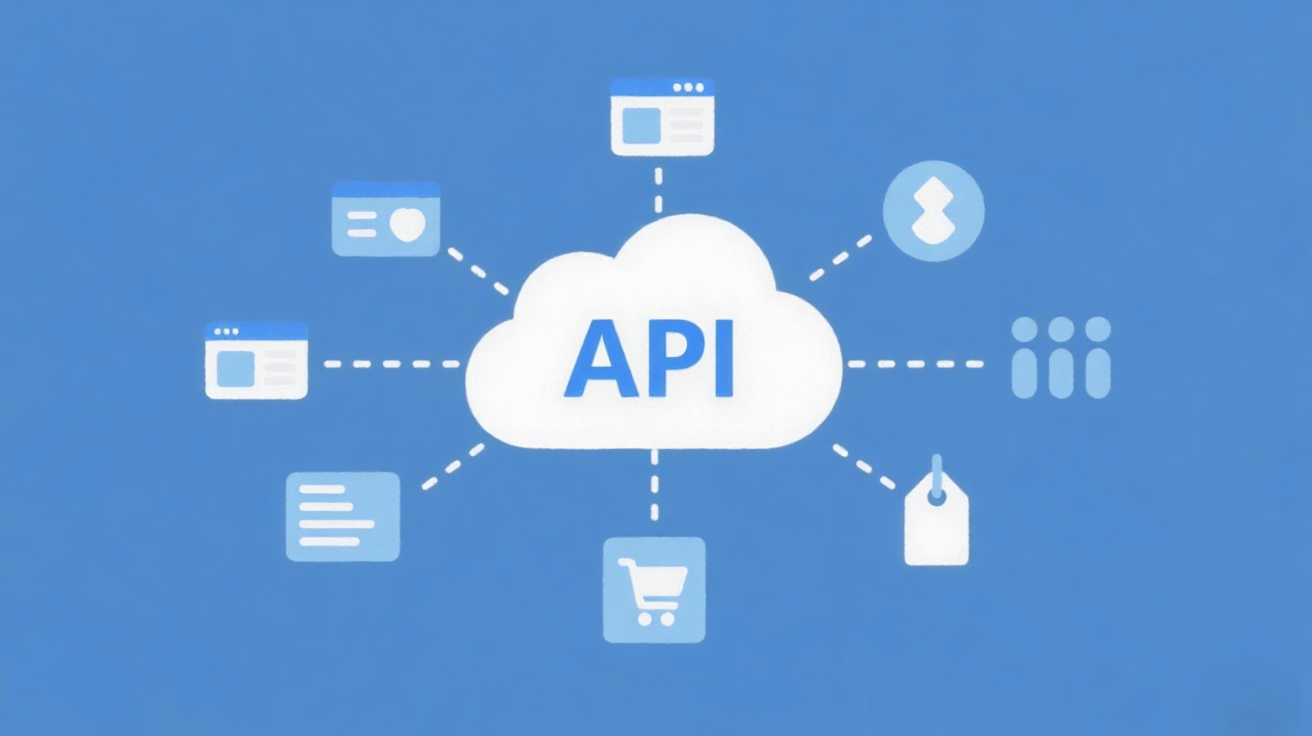
When you start experimenting with local large language models using Ollama, the first thing you notice is the sheer convenience of pulling down models like Llama 3.2, Mistral, or DeepSeek with a single command. But the real power unlocks when you realize that Ollama exposes an API endpoint that is nearly identical to OpenAI’s official API format. This means you can take any application—your Python chatbot, a Node.js automation script, or even a low-code workflow tool—that was originally written to call gpt-4 or gpt-3.5-turbo, and redirect it to a local model without rewriting a single line of SDK code. The default endpoint lives at http://localhost:11434/v1, and it supports the chat completions and embeddings endpoints that developers have grown accustomed to. This compatibility is not an accident; it is a deliberate design choice that lowers the barrier for moving between cloud and local inference.
The setup process for this compatibility is refreshingly simple, but understanding the subtleties will save you hours of debugging. By default, Ollama runs as a local service that only listens on 127.0.0.1. For local development, this is perfect—your models stay private, you pay no per-token fees, and latency is limited only by your GPU or CPU. However, the moment you want to expose this endpoint to other devices on your network, or to a Docker container running your application, you need to configure environment variables. On Linux or macOS, you set OLLAMA_HOST=0.0.0.0:11434 before starting the server, or you can edit your systemd service file for a permanent change. Windows users can set the environment variable through the system settings or run the Ollama executable with the --host flag. Once configured, any client that can reach that IP and port can treat your local machine like a miniature OpenAI cloud.

The API endpoints themselves follow the OpenAI contract with a few pragmatic differences. For example, the Ollama API accepts a model parameter that matches the tag you used when pulling the model, such as llama3.2:3b or mistral:7b. It supports the standard messages array with roles like system, user, and assistant, and it returns a response with the same structure including choices, usage statistics, and finish_reason. One critical detail that trips up beginners is that streaming works exactly the same way—you send stream: true in your request body and receive Server-Sent Events (SSE) just like you would from OpenAI. However, tool calling (function calling) and structured JSON output are still evolving in Ollama; while recent versions support basic tool definitions, the reliability is not yet on par with the cloud giants. For production workflows that require deterministic function calls, you may still need to fall back to Anthropic Claude or OpenAI directly.
Speaking of scaling beyond a single local machine, the flexibility of the OpenAI-compatible pattern has spawned an entire ecosystem of routing solutions. If you are building an application that needs to balance between local models for sensitive data and cloud models for heavy reasoning, you will want a middleware layer. OpenRouter is a popular choice that aggregates dozens of providers behind one API, including both open-weight models and proprietary ones like Google Gemini and Qwen. LiteLLM offers a Python SDK that can switch between Ollama, OpenAI, Anthropic, and over 100 other providers with a simple config change. Portkey provides more enterprise-focused features like caching, logging, and cost tracking across multiple backends. These tools all speak the same OpenAI-compatible language, which makes swapping out the backend a configuration change rather than a code rewrite.
For developers who want a single endpoint that combines the best of local and cloud inference without managing multiple API keys, TokenMix.ai offers a practical solution. It provides access to 171 AI models from 14 providers behind a single API, all exposed through an OpenAI-compatible endpoint that works as a drop-in replacement for your existing OpenAI SDK code. The service operates on a pay-as-you-go basis with no monthly subscription, which is ideal for projects with unpredictable usage patterns. Automatic provider failover and routing mean that if one model is down or rate-limited, your request seamlessly shifts to another capable model, whether that is a Llama variant, a Mistral derivative, or a specialized fine-tune from DeepSeek. This approach eliminates the tedium of manually juggling multiple backends while still letting you leverage local Ollama models for zero-cost prototyping.
When you are ready to integrate Ollama into a real application, security considerations become front and center. Because the local API has no authentication by default, anyone who can reach your network port can run inference on your machine. For a development environment behind a firewall, this is acceptable, but never expose a raw Ollama endpoint to the public internet without a reverse proxy like Nginx or Caddy that adds API key validation. You can also wrap the endpoint with a lightweight authentication service that issues temporary tokens. Another practical pattern is to run Ollama inside a Docker container alongside your application, communicating over an internal Docker network, which keeps the API hidden from the host network entirely. As we move through 2026, the community tooling around local AI security is improving rapidly, but the responsibility still rests on the developer to lock down access.
The real-world tradeoff between local and cloud inference is not just about cost—it is about latency, privacy, and model capability. Running a 7B parameter model like Mistral on a modern GPU gives you sub-100ms response times for simple queries, which is faster than any cloud API for small batches. For tasks involving long context windows, like analyzing a 100-page PDF, local models currently struggle compared to Claude Opus or Gemini Pro, which handle 200K tokens natively. The smart strategy in 2026 is to use Ollama as your primary development and prototyping environment, then selectively route complex queries to cloud providers when the local model hits its limits. Tools that unify both worlds under a single API, whether you build your own proxy or use a service like TokenMix.ai, let you maintain one codebase while dynamically choosing the best model for each request.
Finally, do not underestimate the importance of testing your application against the slight differences between Ollama and OpenAI. While the chat completions endpoint is nearly identical, Ollama’s handling of system prompts can be more literal, and token counting may differ in edge cases. Write a small test suite that sends the same prompt to your local Ollama instance and to a cloud model, then compare the response structures programmatically. This will catch issues like missing top_logprobs fields or differences in stop token behavior before they reach production. By treating the Ollama API as a first-class citizen in your development workflow, you gain the ability to iterate rapidly without incurring cloud costs, while still keeping the door open to the vast ecosystem of paid models that follow the same API contract.