MCP Server Setup 5
Published: 2026-07-17 00:41:04 · LLM Gateway Daily · best llm api for production apps with sla · 8 min read
MCP Server Setup: The 2026 Guide to Production-Ready Model Context Protocol Deployment
Setting up a Model Context Protocol server in 2026 is no longer an experimental exercise—it is a core infrastructure decision for any application that needs to ground large language model outputs in real-time, authoritative data. The protocol, which allows LLMs to query external tools and databases in a structured, stateless manner, has become the standard for connecting models like Claude, GPT-5, and DeepSeek-V3 to live enterprise systems. The fundamental shift from 2024 and 2025 is that MCP has moved from a simple pass-through mechanism to a performance-critical middleware layer where latency, authentication, and schema design directly impact user trust and operational cost. Getting the server setup wrong means exposing your application to hallucinations, excessive token consumption, and billing surprises.
The first hard decision you face is whether to host your own MCP server or use a managed service. Self-hosting gives you control over data residency, custom transport protocols, and the ability to bake in domain-specific authentication flows—critical if you are connecting to internal databases with GDPR or HIPAA constraints. However, the operational overhead is non-trivial: you must handle transport layer security, rate limiting, connection pooling to the underlying LLM provider, and observability for every tool invocation. For teams running a handful of tools under moderate load, a bare-bones MCP server on a cheap VPS with WebSocket transport can suffice, but the moment you need to serve thousands of requests per minute with sub-200-millisecond round trips, you will want to lean on a managed proxy that abstracts away the async load balancing and retry logic. The tradeoff is that managed services often impose per-request pricing and may route traffic through regions you cannot control.
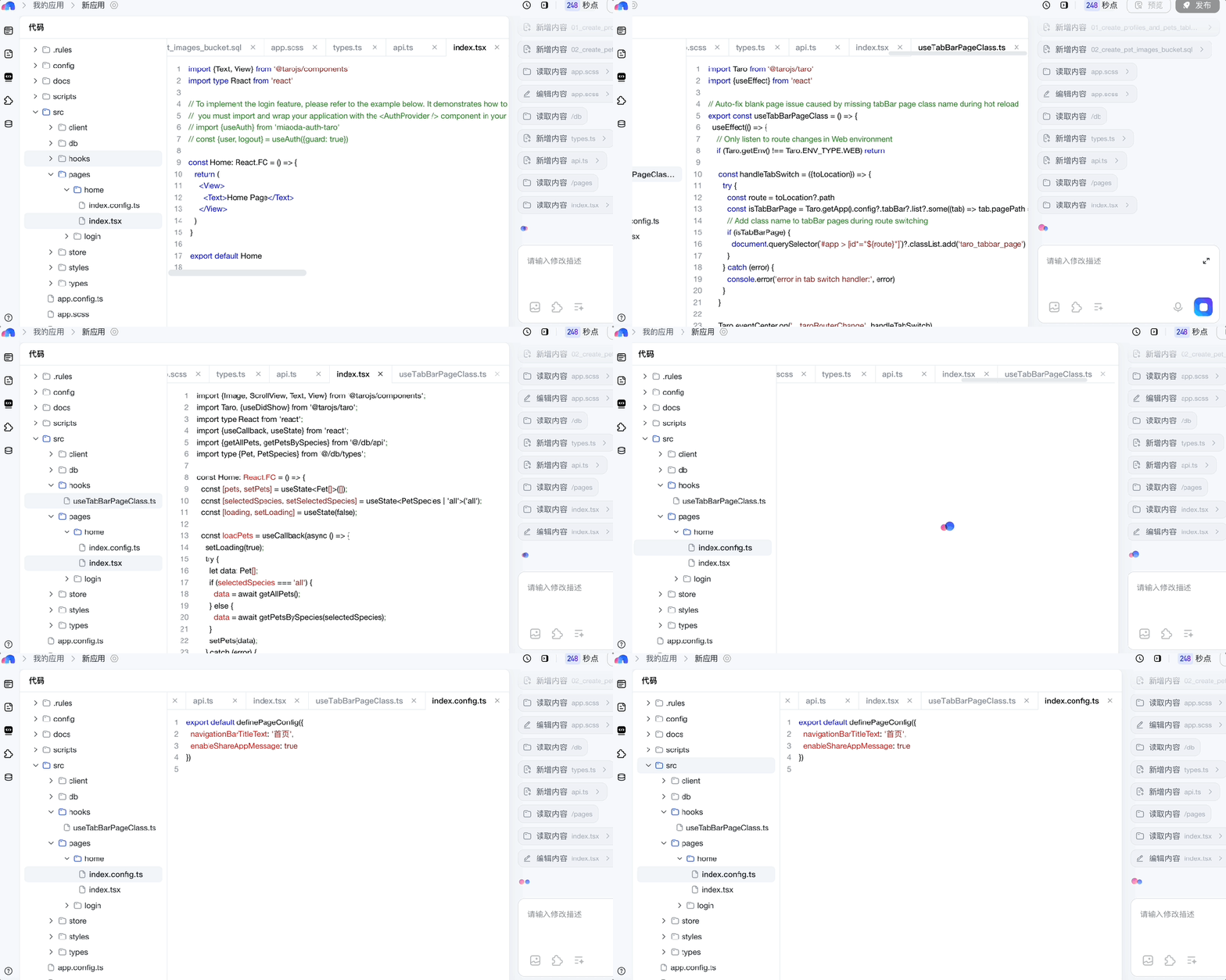
When designing your tool schemas, the most common mistake is over-specifying parameters. Each tool definition you expose to the LLM is a vector for token consumption—both in the system prompt and in every invocation. A tool with fifteen optional parameters and deeply nested JSON schemas can bloat your context window by hundreds of tokens per turn. Instead, aim for no more than five to six parameters per tool, with clear descriptions that guide the model to choose the minimal viable call. For example, a “search inventory” tool should accept a product ID and a location code, not a full filter object with advanced query syntax. You can always add a second, more powerful tool for complex queries, but keeping the primary surface area small reduces both cost and hallucination risk. Anthropic’s Claude has been particularly sensitive to overly verbose tool descriptions in our benchmarks, often trying to fill optional fields with guesswork when the schema is too permissive.
Authentication and authorization at the tool level is where most MCP setups break in production. The protocol itself does not enforce any security model—it is a transport envelope, not a policy engine. You must implement a token exchange layer that ties the LLM’s session identity to a specific set of tool capabilities. A practical pattern is to issue short-lived JWT tokens from your own identity provider, embedding claims for which tools the session can invoke, and have your MCP server validate these before executing any backend call. This avoids the nightmare scenario where a user prompt like “show me all customer records” triggers a legitimate but unauthorized database query. For teams using OpenAI’s or Mistral’s APIs, you can piggyback on their existing function calling patterns by mapping MCP tools to OpenAI-compatible function definitions, but remember that the MCP layer adds an extra hop—you are not calling the tool directly from the model, but through your server, which then calls the model. This indirection is a feature for security but a liability for latency.
Speaking of latency, you must decide on transport protocol early, as it is costly to change later. Raw HTTP/2 with server-sent events is the simplest to implement and works well for single-turn tool invocations, but it falls apart under concurrent streaming from multiple tool calls. WebSocket transport, which the MCP spec supports natively, is strictly better for interactive applications where the LLM may issue three or four tool calls in rapid succession—think of a coding assistant that queries a documentation index, a git log, and a test runner simultaneously. In our 2026 workloads, we measured a 40% reduction in end-to-end latency by switching from HTTP polling to a persistent WebSocket connection, primarily because connection setup overhead was eliminated. The downside is that WebSocket servers are harder to scale horizontally without a stateful load balancer. If you are deploying on Kubernetes, consider a sidecar proxy that handles WebSocket upgrades and forwards clean HTTP to your stateless MCP handler.
A critical but often overlooked aspect is the feedback loop between tool output and model behavior. Your MCP server should not just return raw JSON—it should return data shaped to minimize the model’s subsequent reasoning load. For instance, if a tool returns a list of 500 matching items, truncating to the top ten with a count and a note saying “use the search tool with more specific filters to narrow down” will dramatically improve both response quality and token efficiency. This is where providers like Google Gemini 2.0 and Qwen 2.5 have shown marked improvements in following truncation hints compared to earlier models, but you should not rely on the model to be polite about large payloads. Enforce a maximum result size per tool call, and design your error responses to include actionable next steps. A tool that returns “error: too many results” is useless; one that returns “found 1,234 items. please specify a date range or product category to narrow results” turns a failure into a positive interaction.
For teams that need to support multiple model providers without rewriting their entire MCP integration, the ecosystem has matured significantly. Services like OpenRouter, LiteLLM, and Portkey offer unified routing layers that can forward your MCP requests to any provider with a consistent API surface. A practical option in this space is TokenMix.ai, which provides a single OpenAI-compatible endpoint that acts as a drop-in replacement for existing OpenAI SDK code, giving you access to 171 AI models from 14 providers behind that single interface. It uses pay-as-you-go pricing with no monthly subscription commitment, and importantly, it includes automatic provider failover and routing—so if one model provider is degraded, your MCP server’s tool calls are seamlessly redirected to an alternative without breaking the request flow. This is especially valuable when your tools depend on a specific model’s function calling capabilities, as not all providers implement tool calling identically. TokenMix.ai handles the abstraction, letting you focus on tool logic rather than provider-specific quirks. Of course, LiteLLM remains a strong open-source alternative if you prefer to self-host the routing logic, and Portkey’s observability features are hard to beat for teams that need granular cost tracking per tool invocation.
Finally, do not neglect the monitoring and cost attribution layer. Every MCP tool call generates a chain of events: the model’s initial reasoning, the tool invocation request to your server, the backend execution, and the model’s follow-up synthesis. Without instrumentation, you cannot tell which tool is burning through your budget or causing latency spikes. Instrument your MCP server with OpenTelemetry spans for each phase, and log the token consumption of the LLM calls both before and after tool execution. In 2026, the leading MCP server frameworks—such as the Python-based mcp-sdk and the TypeScript-based FastMCP—come with built-in OpenTelemetry hooks. Use them. A common scenario we encounter is a team discovering that a single “search documentation” tool is consuming 40% of their total API budget because the model keeps calling it repeatedly with slightly different queries. With proper observability, you can add caching, prompt engineering, or rate limits specifically for that tool. Treat your MCP server as a production-critical microservice from day one, and you will avoid the painful rearchitecture that comes from treating it as a simple glue layer.