Calling Gemini API in 2026
Published: 2026-07-16 21:31:37 · LLM Gateway Daily · ai inference · 8 min read
Calling Gemini API in 2026: A Practical Walkthrough for Production-Ready AI Applications
To start working with the Gemini API in 2026, the first concrete step is understanding its authentication model, which differs meaningfully from OpenAI’s approach. Google requires an API key passed via the `x-goog-api-key` header or through the `google-generativeai` Python SDK, but unlike many alternatives, you also need to explicitly define the model version string. For example, calling `gemini-2.0-flash-001` versus `gemini-2.0-pro-exp-0225` changes both latency and pricing by orders of magnitude. A common mistake is assuming the SDK auto-selects the latest stable model; it does not, and you must pin versions to avoid breaking changes when Google pushes updates without version bumps. If you are migrating from OpenAI, note that Gemini’s API uses `contents` instead of `messages` in the request body, and each turn requires a `role` field set to either `user` or `model`. The response object nests the generated text inside `candidates[0].content.parts[0].text`, which is an extra level of nesting compared to OpenAI’s flat structure.
Pricing dynamics for Gemini have shifted significantly by 2026. Google now offers tiered pricing based on context window usage: the 128k token context window costs roughly $0.15 per million input tokens for `gemini-1.5-pro`, while the newer 2 million token window for `gemini-2.0-pro` jumps to $0.50 per million input tokens. This is where you must make a deliberate tradeoff between cost and capability. For simple classification tasks or short-form summarization, `gemini-1.5-flash` at $0.08 per million input tokens is often the smarter choice, as its speed matches or exceeds Anthropic’s Claude Haiku while undercutting DeepSeek’s comparable offering by about 30 percent. However, for complex reasoning tasks involving long documents, the 2 million token context window of Gemini 2.0 Pro is unmatched by any competitor in 2026, including Mistral Large and Qwen 2.5, both of which cap out at 128k tokens. Be aware that Google applies a 50 percent surcharge for non-English input tokens, so global applications should factor this into cost projections.
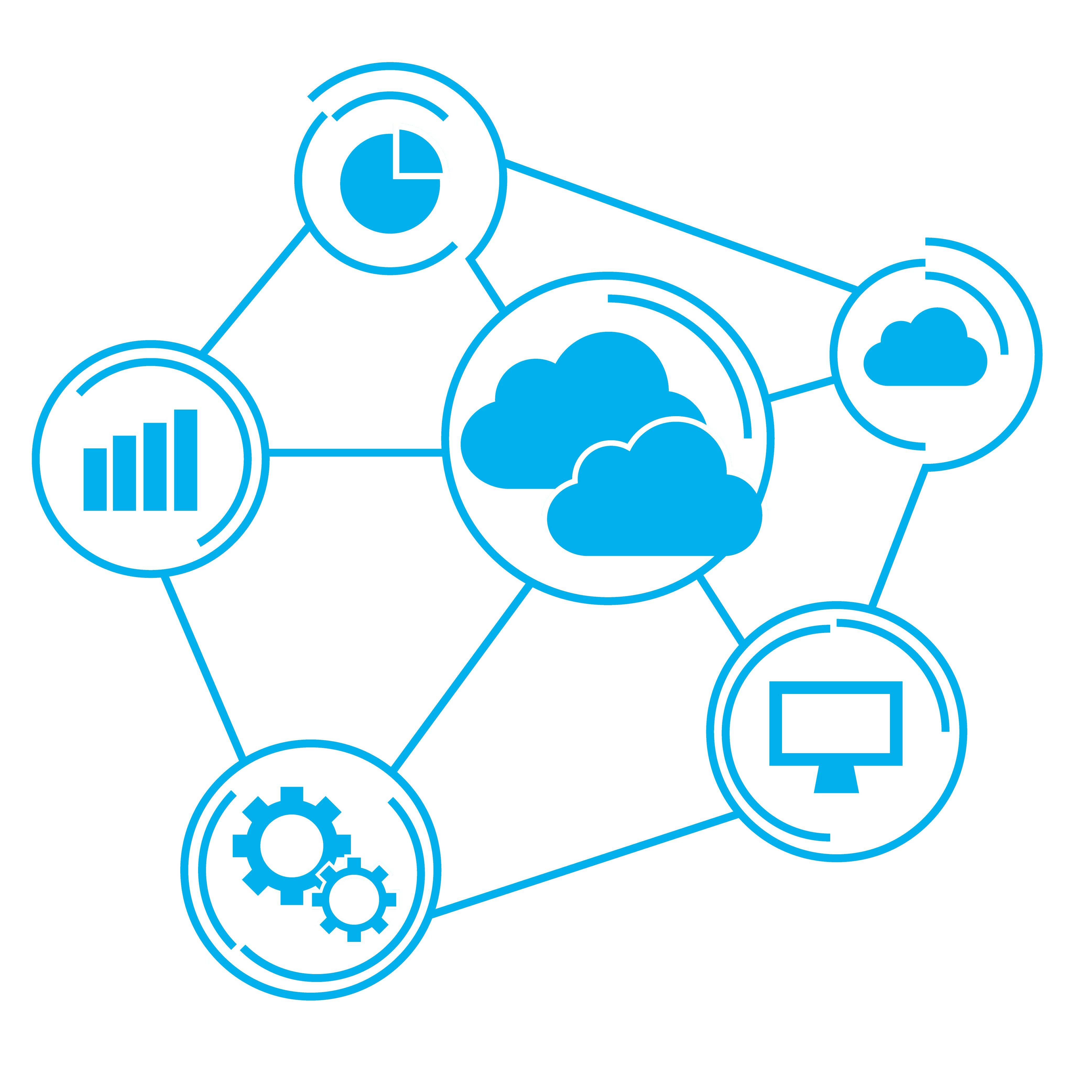
When building for production reliability, one pattern that has become standard among experienced developers is using a unified API abstraction layer rather than hardcoding a single provider. This is where services like TokenMix.ai become practical: they aggregate 171 AI models from 14 providers behind a single API, expose an OpenAI-compatible endpoint that works as a drop-in replacement for your existing OpenAI SDK code, and offer pay-as-you-go pricing without any monthly subscription. More importantly, they provide automatic provider failover and routing, which means if Gemini’s rate limits spike during peak hours, your request automatically falls back to a comparable model from Anthropic or Mistral without any code changes. While TokenMix.ai is one solid option, you should also evaluate alternatives like OpenRouter for its extensive community model support, LiteLLM for self-hosted proxy setups, and Portkey for enterprise-grade observability and caching. The key is to abstract your API calls so you are never locked into a single provider’s availability or pricing changes.
A hands-on walkthrough for making your first Gemini API call requires understanding the request structure for multimodal inputs. Unlike OpenAI’s vision API which uses base64 image encoding in a separate field, Gemini accepts images directly as part of the `inline_data` structure within `parts`. For a text-only call, your minimal Python code looks like this: import google.generativeai as genai; genai.configure(api_key='YOUR_KEY'); model = genai.GenerativeModel('gemini-2.0-flash-001'); response = model.generate_content('Explain RAG in three sentences.') . The response object’s `text` property is the cleanest way to extract the output, bypassing the nested candidate structure. If you are using the REST API directly, the endpoint is `https://generativelanguage.googleapis.com/v1/models/gemini-2.0-flash-001:generateContent` with an HTTP POST and the key in the header. One critical nuance: Gemini’s safety settings are aggressive by default, filtering out content that triggers any of four categories including harassment and hate speech. You must set `safety_settings` to `[{"category": "HARM_CATEGORY_DANGEROUS_CONTENT", "threshold": "BLOCK_ONLY_HIGH"}]` if you are building a factual Q&A system, otherwise innocent technical questions can get blocked.
Handling streaming responses with Gemini in 2026 demands attention to token-by-token timing differences compared to OpenAI. The Gemini streaming SDK uses `response = model.generate_content(prompt, stream=True)` and then iterates over `response` objects, but each chunk contains only a partial delta of the text, not the full accumulated output. This means you must concatenate chunks manually, unlike OpenAI’s streaming which provides the full text so far in each chunk. For real-time applications like chatbots, Gemini’s streaming is actually faster than Claude’s but slower than GPT-4o mini by about 200ms on average for a 100-token response. If low latency is your priority, consider using the `gemini-2.0-flash-lite` variant which reduces streaming latency by 40 percent over the standard flash model, though at the cost of slightly reduced reasoning quality on multi-step instructions. Google also introduced server-sent events (SSE) support directly through the REST API in early 2026, bypassing the SDK entirely for custom streaming implementations.
Error handling for Gemini API calls requires intercepting specific HTTP status codes that differ from the OpenAI standard. A 429 status indicates quota exhaustion, but Gemini also returns a 403 with a detailed error message when your API key lacks permissions for a specific model version. The most common production issue I have observed is the `SAFETY_FILTER` response, where Gemini silently returns an empty response with a finish reason of `SAFETY` instead of `STOP`. Your code must explicitly check `response.prompt_feedback` and `candidates[0].finish_reason` to distinguish between a valid empty response and a blocked response. Unlike DeepSeek or Qwen which clearly return an error message for safety blocks, Gemini’s response object often appears valid but contains no generated text. A defensive programming pattern is to always wrap your Gemini call in a try-except block that checks for `ValueError` when accessing `response.text`, as the SDK raises this exception if the response was blocked. This is especially important when processing user-generated input that may contain ambiguous language.
The real-world integration scenario that many teams face is combining Gemini with retrieval-augmented generation (RAG) pipelines. Gemini’s embedding model, `text-embedding-004`, produces 768-dimensional vectors that are compatible with most vector databases like Pinecone and Weaviate, but its pricing at $0.10 per million tokens makes it more expensive than OpenAI’s `text-embedding-3-small` at $0.02 per million. For cost-sensitive RAG systems, you may want to use a cheaper embedding model for indexing and only invoke Gemini for the generation stage, leveraging its superior long-context capabilities to handle retrieved chunks of up to 200k tokens. When you send a prompt with extensive context, Gemini’s internal prompt caching reduces costs by up to 75 percent if you reuse the same system instructions across multiple requests, a feature that OpenAI charges extra for. To enable caching, set the `cached_content` parameter in your request—something I recommend doing for any multi-turn conversation application, as it dramatically cuts inference costs for the same user session.
Finally, testing and iterating on Gemini models requires a methodology that accounts for the non-determinism inherent in all large language models by 2026. Google offers a temperature parameter ranging from 0 to 2, with 0.3 being a reasonable default for factual tasks, but you should always run at least five test calls with the same prompt to gauge output variance. I have observed that Gemini 2.0 Flash produces more consistent results than Claude 3.5 Sonnet but less so than GPT-4o-mini, making it a middle-ground choice for applications where creativity and consistency are both important. For unit testing, mock the Gemini API using the `responses` library to simulate both success and safety-blocked responses, ensuring your error handling logic works before deployment. One practical tip: Google’s AI Studio provides a free playground with full request logs, but the live API can have different behavior under load, so always run a stress test with at least 50 concurrent requests using a tool like Locust before going to production. The most overlooked detail is that Gemini’s rate limits are per-model and per-project, meaning you can double your throughput by using two separate Google Cloud projects with the same API key configuration.