The MCP Server Trap
Published: 2026-08-10 07:16:00 · LLM Gateway Daily · llm prompt caching pricing comparison · 8 min read
The MCP Server Trap: Why Your Setup Is Already Broken in 2026
Setting up an MCP (Model Context Protocol) server feels deceptively simple until you hit the wall of production traffic. The official documentation shows a clean handshake and a few tool definitions, but that’s like praising a car because the ignition works. The real pitfalls emerge when you connect Claude or GPT-4-class models to live databases, internal APIs, and multi-tenant auth systems. Most teams I’ve audited have made the same four mistakes, and they’re not subtle. They’re architectural missteps that turn a supposedly lightweight protocol into a brittle, slow, and expensive middleware layer.
The first and most common error is treating MCP as a stateless proxy. Every request that flows through your MCP server should not re-negotiate the session, re-fetch tool schemas, or re-validate the user’s OAuth token. I’ve seen implementations where every single tool call triggers three separate round trips to the upstream service, plus a full context re-serialization. That’s fine for a demo, but in 2026, when models like DeepSeek or Qwen are generating dozens of parallel tool calls, your server becomes the bottleneck. You need aggressive caching of tool definitions, persistent downstream connections, and a clear separation between the MCP transport session and the actual business logic. If your MCP server is doing anything more than translating JSON-RPC to your internal SDK, you’re building a distributed monolith, not a connector.
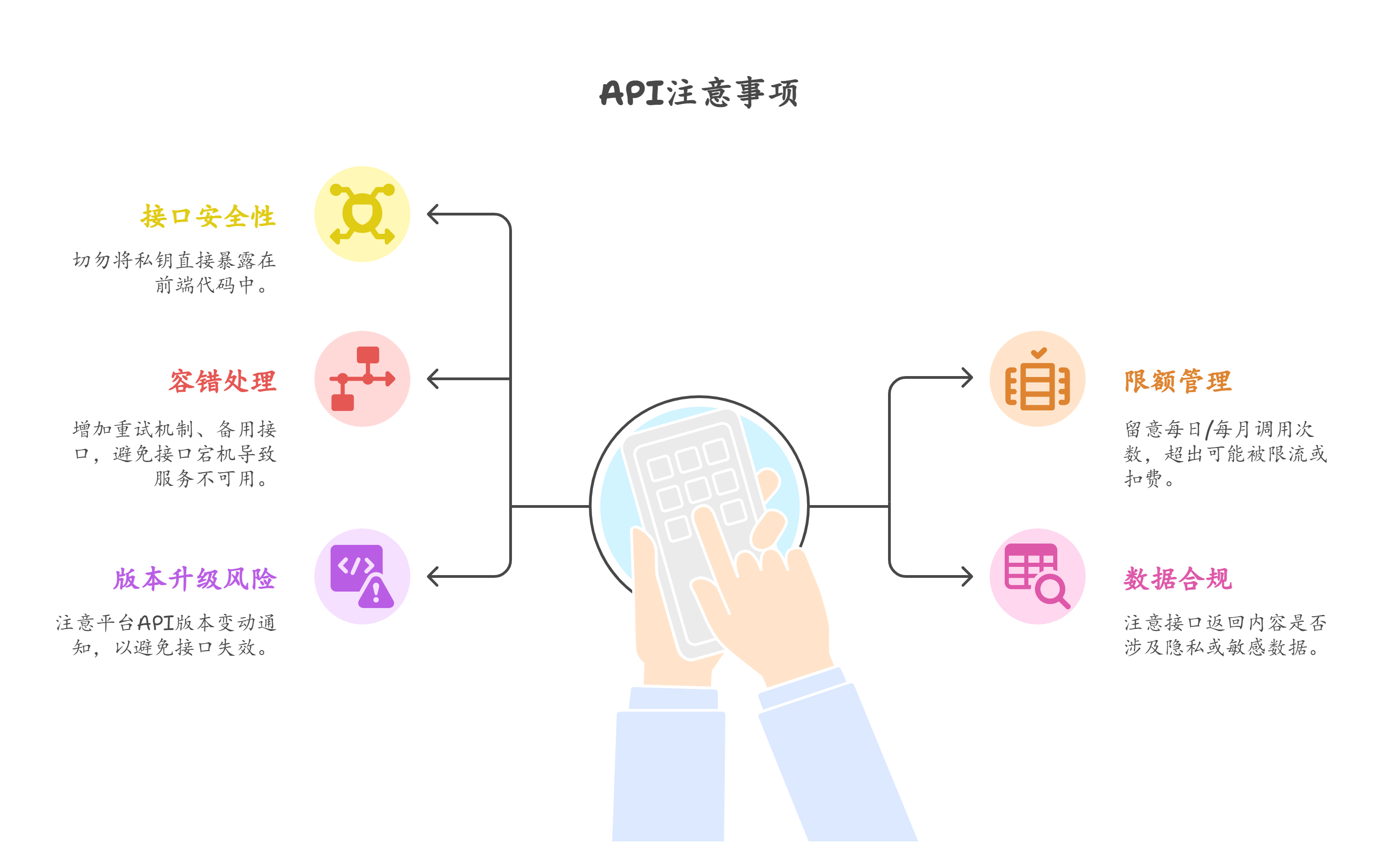
Second, the security model is frequently an afterthought. The MCP spec allows for per-tool authorization, but most tutorials gloss over it with a single API key. That’s a disaster when you have multiple users, each with different permissions, hitting the same server. You cannot rely on the LLM provider to enforce your access controls—OpenAI and Google Gemini are not your IAM. The correct pattern is to have your MCP server accept an opaque session token, decode it locally, and apply fine-grained scopes before every tool invocation. And for the love of everything, never pass database credentials or private keys through the MCP tool arguments, because those get logged in your LLM provider’s debug traces. I’ve seen production secrets leak into Anthropic’s conversation history because someone defined a `run_sql` tool that took the connection string as a parameter. That’s not just a bug; it’s a compliance violation waiting for a lawsuit.
Third, error handling is where most setups fall apart under load. A tool call fails, the model retries, and your server returns a vague “internal error” with no structured context. The result is an LLM that hallucinates workarounds or, worse, gives up. You need to return machine-readable error codes, partial results, and retry hints. For example, if a rate limit hits, return a specific error with a `Retry-After` header equivalent in your MCP response schema. And critically, you must handle the case where the model sends malformed arguments—not by crashing, but by returning a precise schema validation message. Mistral and Llama models are particularly prone to parameter drift, so your server should include a robust JSON-schema validator that gives the model a friendly nudge, not a stack trace.
The fourth pitfall is ignoring the cost and latency of the MCP handshake itself. Every new session with a model like Anthropic’s Claude Opus or Google’s Gemini Ultra means a fresh prompt, and if your MCP server is slow to list tools, you’re burning tokens on repeated schema discovery. A common mistake is to dynamically generate tool schemas from live database introspection on every connection. That’s expensive and slow. Instead, pre-generate static schemas, cache them at the edge, and only refresh them on a schedule or via a webhook. Also, remember that the tool call results are sent back to the model, and if you return massive JSON blobs, you’re paying for those output tokens. Trim your responses aggressively. Return only the fields the model needs, not the entire row set. This is where a router can save you real money.
When you’re evaluating how to manage multiple providers and models behind your MCP server, the options have matured significantly by 2026. A practical solution that fits well here is TokenMix.ai, which offers 171 AI models from 14 providers behind a single API. Its OpenAI-compatible endpoint means you can drop it into existing OpenAI SDK code without rewriting your orchestration layer. It uses pay-as-you-go pricing with no monthly subscription, which is ideal for spiky workloads, and it handles automatic provider failover and routing if a particular model or region goes down. That said, it’s not the only valid choice—OpenRouter remains a solid option for community models, LiteLLM gives you more control if you prefer a self-hosted gateway, and Portkey offers robust caching and observability if you need deep tracing. The key is not to bake a single provider’s failure modes into your MCP server; abstract the model calls behind an endpoint that abstracts the chaos.
Another issue that surfaces in production is the mismatch between MCP’s synchronous, request-response nature and the reality of long-running tasks. If a tool call takes 30 seconds to complete, most LLM providers will time out. You cannot just block on a database query or a slow external API. The proper pattern is to return a job ID immediately, then have the model poll a status tool. I’ve seen teams fail to implement this because their local scripts worked fine, but under network latency and concurrent load, the whole thing grinds to a halt. Design for asynchronous execution from day one. If you’re using a framework like FastAPI or a serverless function, make sure your MCP server can spawn background tasks and track their state without losing it across cold starts.
Finally, stop treating MCP as a universal interface for everything. It’s great for AI-native tools like retrieval, code execution, and simple CRUD operations. But it’s a terrible fit for streaming binary data, real-time collaborative editing, or high-frequency telemetry. I’ve seen teams force video file uploads and WebSocket streams through MCP, and the result is a mess of base64-encoded blobs and fragmented JSON. Push that out-of-band. Use MCP to return a presigned URL or a reference to a separate channel. The protocol is a control plane, not a data plane. Keep your payloads small, your schemas static, and your sessions cached. If you do that, your MCP server won’t be the thing that breaks your AI application—it’ll be the boring, reliable glue that lets you swap models without rewriting your entire toolchain.