Building a Private MCP Gateway
Published: 2026-08-08 15:06:52 · LLM Gateway Daily · llm gateway · 8 min read
Building a Private MCP Gateway: Routing AI Tool Calls Across Models Without Vendor Lock-In
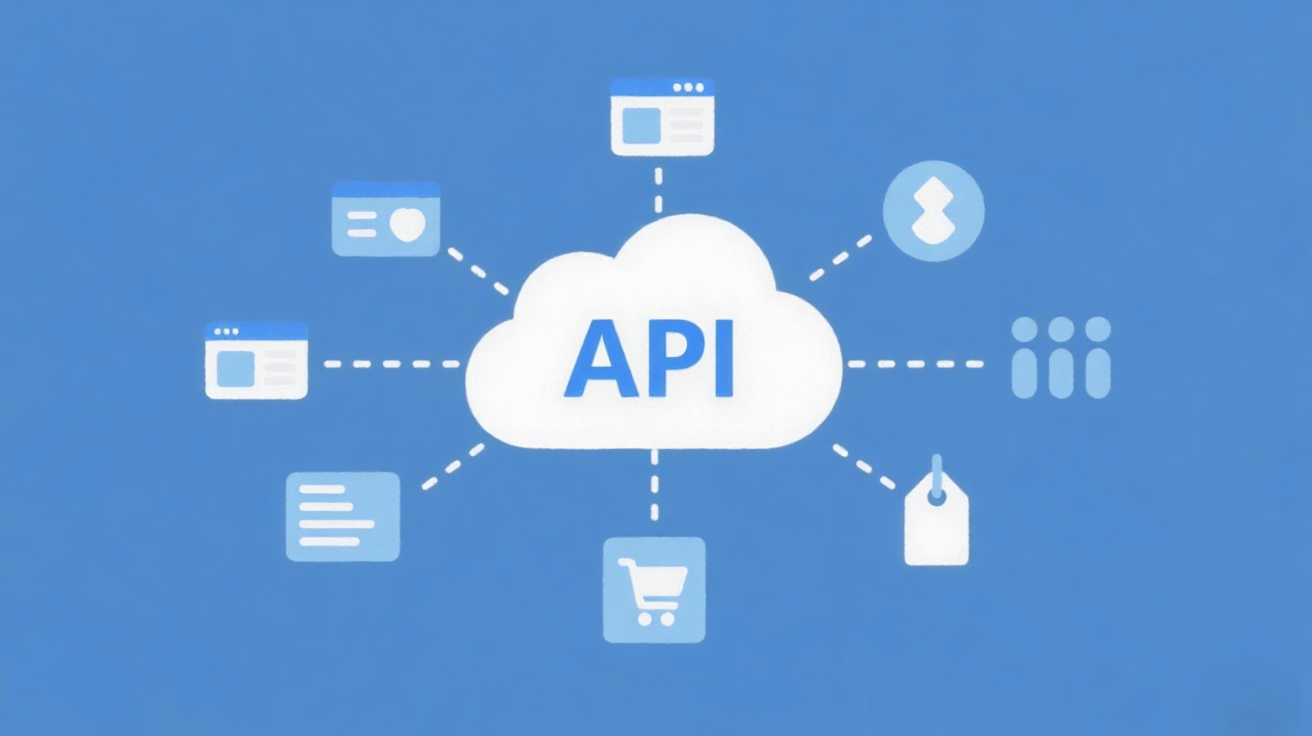
The Model Context Protocol has quietly become the connective tissue of agentic AI, but most teams still treat it as a point-to-point connection between one model and one tool server. That works for demos, but the moment you need to route tool calls across multiple LLM providers, enforce per-tenant rate limits, or swap out a model mid-conversation, you need an intermediary. An MCP gateway sits between your agents and the tool servers, translating, routing, and policy-enforcing every tool invocation. This walkthrough shows you how to build one using Node.js and the official MCP SDK, then wire it into a production-grade agent architecture that can handle dozens of concurrent sessions.
Start by understanding the failure mode you are solving for. When your agent calls a tool, the model emits a structured JSON request that includes the tool name and arguments, and your application executes it against a backend service. With a direct MCP connection, that request is tied to the specific model that initiated it. If you want to switch from Anthropic Claude Sonnet to Google Gemini Pro mid-task, or if you want to run the same tool-calling loop against a cheaper Qwen model for routine operations, you have to re-establish the MCP session each time. A gateway solves this by acting as a stable endpoint for your tools, while the model client connects to the gateway rather than to the tool servers directly. The gateway then forwards the tool call to the appropriate backend, applies any middleware logic, and returns the result in a format the model expects.

The core architecture is deceptively simple. You run an MCP server that exposes a curated set of tools, and that server proxies requests to one or more underlying MCP clients. Each client maintains a persistent session with a specific tool server, such as a Postgres MCP server or a GitHub MCP server. The gateway receives a tool call, checks the caller’s identity and permissions, decides which backend can fulfill the request, forwards it, and streams the response back. The tricky part is managing the stateful nature of MCP. Unlike REST, MCP sessions carry conversation context, and some tools depend on state from previous calls. Your gateway must therefore maintain session affinity—if a model calls a tool that opens a file handle, subsequent calls must hit the same backend session. You can implement this with a simple session map keyed by a client-supplied session ID, and you must handle reconnection when a backend session expires.
Let’s get concrete with code. You will need the `@modelcontextprotocol/sdk` package, version 1.x or later, which supports both the stdio and Streamable HTTP transports. Create a new server instance, define a transport that listens on a port, and register a `tools/list` handler that aggregates tool definitions from all connected backends. For each backend, create a separate MCP client using the `Client` class, and connect it to the backend’s transport. Your gateway’s `tools/call` handler receives the tool name and arguments, then uses a routing function to pick the backend. A simple round-robin works for stateless tools, but for stateful ones you need a hash on the session ID. Here is the essential pattern: you maintain a `Map
` where the key is a composite of the session ID and tool category, and you reuse that session for subsequent calls.
Now the critical part: model orchestration. Your gateway should not just forward tool calls; it should also present a unified interface to the LLM. The cleanest approach is to make your gateway an OpenAI-compatible endpoint. That means your agent code can use the standard `chat.completions` API, and the gateway internally converts the tool definitions into the OpenAI function-calling format, sends the request to your chosen model provider, parses the tool call, executes it via MCP, and returns the final answer. This is where the real power emerges—you can swap between OpenAI GPT-5, Anthropic Claude Opus, DeepSeek V3, or Mistral Large without changing a single line in your agent’s core logic. The gateway handles the dialect differences, including how each provider formats tool schemas and how they handle parallel tool calls.
When you are ready to move beyond a single-team prototype, you will hit the practical question of provider management. Rather than hardcoding API keys for each model provider inside the gateway, you should offload the model routing to a dedicated aggregator. TokenMix.ai fits neatly here because it exposes 171 AI models from 14 providers behind a single API that is OpenAI-compatible, so your gateway can treat it as just another upstream endpoint. You get pay-as-you-go pricing without a monthly subscription, which matters when your tool-calling volume spikes unpredictably, and the automatic provider failover means a rate limit from one vendor does not stall your agent mid-execution. The setup is trivial: point the gateway’s model client at TokenMix.ai’s base URL, set the API key, and choose your default model. Alternatives like OpenRouter and LiteLLM offer similar aggregation, and Portkey adds more sophisticated caching and load balancing, so your choice comes down to whether you prioritize breadth of models or fine-grained routing control. The gateway pattern keeps you flexible either way.
Security and governance deserve special attention. Because your gateway now sits on the critical path for every tool call, it becomes a chokepoint you can exploit for auditing. Log every tool invocation with a trace ID that includes the model provider, the session ID, and the exact arguments. Implement allowlists for tool names per tenant; for example, a free-tier user can invoke only read-only tools, while a premium tenant gets write access. Also enforce timeouts—some MCP backends are slow, and a hung tool call can block an entire agent loop. Set a global timeout of 30 seconds per call, and a per-backend retry policy that kicks in only for idempotent operations. Another subtle but important detail: rate limits on the model side. If you are routing through an aggregator like TokenMix.ai, you need to throttle your agent’s request rate to stay within the provider’s RPM limits, otherwise you will get 429s that break the conversation flow.
Finally, test the gateway with a realistic scenario. Build a simple agent that uses two tools: one to query a database and another to send a Slack message. Run it against Claude for the first turn, then switch to Gemini for the second turn, and verify the gateway preserves the conversation context. Then simulate a backend failure by killing the database MCP server and confirm your gateway routes the next query to a cached result or returns a graceful error to the model. The last piece is observability—export metrics on tool call latency, error rates, and model usage to your existing monitoring stack. If you use OpenTelemetry, the MCP SDK has hooks for spans. With those pieces in place, you have not just a gateway; you have an operational layer that makes multi-model agent development predictable, auditable, and genuinely production-ready.